Email List Building: How to Build a Targeted B2B List
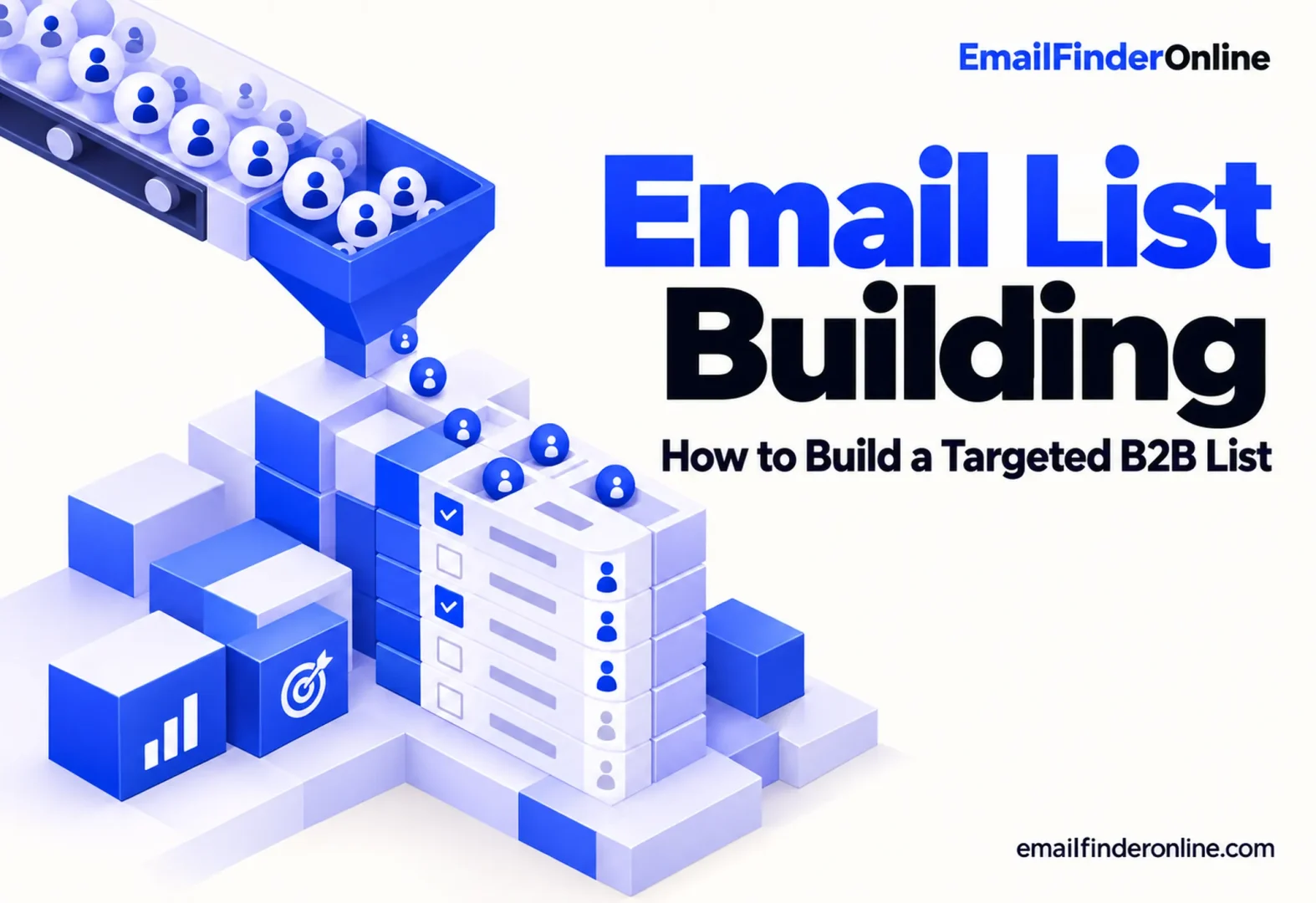
A good B2B list is short, specific and current. A bad one is large, vague and full of people who left their jobs a year ago. This guide covers b2b email list building from the ground up: deciding who belongs on the list, gathering companies and contacts, checking the data, recording where it came from, and keeping it accurate over time.
The lookup methods themselves are covered in separate guides, linked at the steps where you need them.
Before you begin
- One clear offer and an idea of which kind of company needs it.
- A spreadsheet or CRM where every contact gets one row.
- Agreed column names before you add anything, so the list stays consistent as it grows.
Step 1: Describe the companies you want
Start with accounts, not people. Write down the traits of companies that are a good fit:
- Industry or niche, as narrowly as you can define it.
- Size, by headcount or revenue band.
- Location, including which countries you can legally and practically serve.
- A reason to need you now, such as recent funding, hiring in a related team, a new product or a new office.
- Exclusions: current customers, competitors, partners, and companies that have already said no.
If two people on your team would build different lists from this description, it isn’t specific enough yet.
Step 2: Choose the roles you’ll contact at each company
Decide which roles own the problem you solve, and limit yourself to one or two per company to start. If you’re unsure who that is, the guide on how to find decision makers walks through mapping a purchase to roles and confirming the person is current.
Sales Navigator users can narrow a search this way. According to LinkedIn’s Sales Navigator help, you can filter leads by job function, seniority and the title they hold now, and filter by company traits like employee count, company type and where the headquarters is.
Step 3: Build the company list
Gather companies that match Step 1 before you look for any people. Useful sources include:
- Industry associations and member directories.
- Event exhibitor and speaker lists.
- Review sites and marketplaces in your niche, which list vendors or users by category.
- News about funding, expansion or hiring.
- Your own data: past inquiries, lost deals and website signups that fit the profile.
Add each company with its website domain, since the domain is what you’ll use to find contacts. If you need a company’s general phone line or office address for your records, see how to find company contact information.
Step 4: Add contacts and their email addresses
For each company, add the people in your chosen roles, then look up their work addresses.
- For a batch of contacts at the same organization, the guide to find emails by company covers it.
- To look up one named person, use how to find someone’s email address.
Avoid filling the list with generic inboxes like info@ for sales outreach. They’re useful for company records, but they rarely reach the person who decides.
Step 5: Check every address before it goes live
Addresses that look right can still bounce. Run new contacts through a verifier before they enter a campaign, and treat “catch-all” and “unknown” results as a separate group. The guide on how to verify an email address explains each step and result type.
Step 6: Record the source and stay compliant
Add a column for where each contact came from and when you added it. It makes the list easier to maintain, and it helps you answer privacy questions.
Which rules apply depends on your contacts’ location:
- United States: under the FTC’s guide to CAN-SPAM, the law applies to commercial email in general, business-to-business messages included, and requires a working opt-out that you honor within 10 business days.
- United Kingdom: the ICO‘s electronic mail marketing guidance treats sole traders and some partnerships as individuals, and notes that the “soft opt-in” for existing customers does not cover new contacts, including those from bought-in lists.
- European Union: the European Commission‘s page on data received from third parties says that before you acquire a contact list, the supplier must be able to show the data was collected in line with the GDPR and may be used for advertising, and that you must keep the list up to date and exclude people who have objected.
Treat this as general information rather than legal advice. If you buy or rent data, ask the supplier how it was collected before you use it.
Step 7: Keep the list clean over time
A B2B list starts to go stale the day you finish it, because people change roles and companies change domains. Build maintenance into your routine:
- Remove hard bounces straight away and never re-add them.
- Keep one suppression list for anyone who opts out, and check every new import against it.
- Re-verify contacts that have sat unused before any new campaign.
- Update job changes when you spot them, and look for the replacement in the same role.
- Retire contacts who never engage after a reasonable number of attempts.
- Review your Step 1 criteria every few months, and drop accounts that no longer fit.
What to track for each contact
| Column | Why it matters |
|---|---|
| Company and domain | Groups contacts by account and powers email lookups |
| Name, role and seniority | Lets you check you’re reaching the right person |
| Email and verification result | Shows which addresses are safe to send to |
| Source and date added | Answers privacy questions and shows how old the data is |
| Status | Not contacted, in sequence, replied, opted out or bounced |
| Last checked | Tells you when to re-verify |
Common b2b email list building mistakes
- Starting with volume instead of fit. A few hundred well-chosen contacts usually beat many thousands of loosely matched ones.
- Mixing many roles at one company in a single sequence. Pick the one or two people who own the problem.
- Skipping verification because the data came from a paid source.
- Losing opt-outs when lists are merged or moved between tools.
- Never removing anyone. A list that only grows gets less accurate every month.
FAQ
How do I build a B2B email list from scratch?
Define the companies that fit, choose the roles to contact, gather companies from directories, events and news, then find and check each contact’s address. Record the source for every row and keep a suppression list from the first day.
Is it legal to buy a B2B email list?
It depends on where the contacts are. In the EU, the European Commission says the seller must be able to show the data was collected lawfully and can be used for advertising. In the UK, the ICO says the existing-customer exception doesn’t apply to bought-in lists. Confirm the rules in every country involved before you use bought data.
How often should I clean my B2B list?
Remove bounces and opt-outs immediately, and re-verify older contacts before every campaign. A full review of your target criteria every few months keeps the list focused.
How many contacts should I add per company?
Start with one or two people who own the problem you solve. Add more only if they don’t respond or point you to a colleague.
Wrapping up
Successful b2b email list building starts with a clear picture of the companies and roles you want, not with a big export. Build the company list first, add the right people, check every address, record where each contact came from, and keep removing what’s out of date. A smaller list you trust will serve you better than a large one you don’t. Plan details are listed under Email Finder Online pricing.