Sales Prospecting Tools for Building a Pipeline
 By Nora Ellison
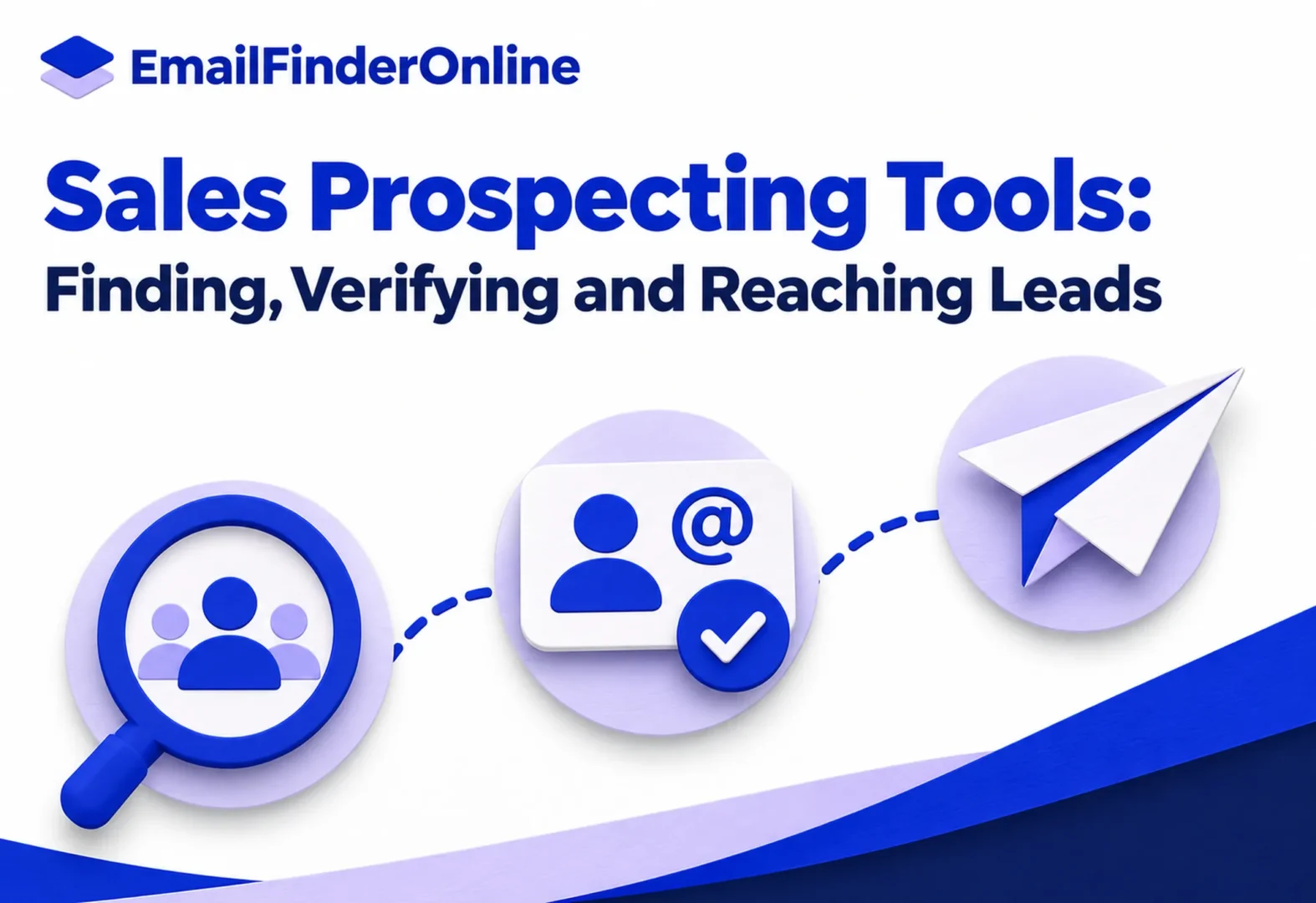
Sales prospecting tools turn a list of names into scheduled touches: emails, follow-ups, LinkedIn steps and calls that run on a timetable until someone replies. This guide covers seven of them. Outreach and Salesloft are built for larger sales teams and quote prices on request. HubSpot puts sequences inside its CRM. Lemlist, Reply.io, Instantly and Woodpecker publish their prices and suit smaller teams that send cold email at volume. All seven assume you already have contact data. Finding that data is a separate job, which our email finder comparison handles.
Where these tools sit in the prospecting stack
Prospecting work splits into three layers. The first is data, meaning the names you target and the addresses or numbers that reach them. The second is execution: sending the messages, spacing out follow-ups and stopping when a prospect answers. The third is record keeping: logging every touch against the right contact and deal so the team can see what is working.
The platforms on this list live in the second and third layers. Several now bundle a lead database too, but their core is the sequence, a set of steps with delays and conditions. A rep loads contacts into a sequence, and the software sends step one, waits, checks for a reply, and moves to step two if there was none.
Three differences separate them:
- Channels. Some send email only. Others add LinkedIn actions, SMS, WhatsApp or a dialer in the same flow.
- Sending model. Enterprise platforms send from each rep’s own mailbox through the CRM. Cold email products let you connect many mailboxes and rotate between them to spread volume.
- Pricing model. Some charge per seat, some per contact or email volume, and some add AI credits to the seat fee.
Seven platforms at a glance
| Platform | Main channels | Pricing as published | Free plan or trial |
|---|---|---|---|
| Outreach | Email, LinkedIn, SMS, calls | Seats plus AI credits, quoted on request | Demo on request |
| Salesloft | Email, calls, texts | Quoted on request | Demo on request |
| HubSpot Sales Hub | Email, tasks, LinkedIn steps with Sales Navigator | $90 per seat a month for Professional | Free tier, but sequences start on Professional |
| Lemlist | Email, LinkedIn, SMS, calls, WhatsApp add-on | From $55 a month on yearly billing | Free trial |
| Reply.io | Email, LinkedIn, calls, SMS | From $29 per user a month on yearly billing | 14-day trial on Multichannel |
| Instantly | Outreach Growth listed at $47 a month | None listed on the pricing page | |
| Woodpecker | Email, LinkedIn | Email plan listed at $39 a month | 14-day trial, no card |
Each row is expanded below with the limits that tend to matter after the first month.
Enterprise sales engagement platforms
Outreach
Outreach’s pricing page explains a two-part model: you pay for each user seat, plus AI credits that are consumed as the system researches accounts, personalizes messages and runs sequence automation. Packages are tiered, and the Amplify Plus tier includes 50,000 AI credits, but no dollar figures appear. You request a quote.
On the product side, the Outreach sales engagement page describes sequences that pause automatically when a contact is out of office and pick up again on return. It also logs email, LinkedIn, SMS and call activity to your CRM records, and lets several stakeholders at one account sit in the same sequence. That combination suits teams that sell into accounts with many decision makers.
Salesloft
Salesloft does not publish prices, and its pricing link leads to a demo request. The Salesloft sales engagement page describes its sequences, called Cadences, as multichannel: email steps, calls and texts from a built-in dialer, and meeting links that let buyers book time from an email. Reusable templates and snippets help reps stay on message, automation rules handle repetitive tasks, and a mobile app lets reps work Cadence steps away from a desk. The page also mentions AI agents that research accounts and draft emails.
Both of these are full sales engagement platforms. They make sense when a revenue operations team will own setup, connect the CRM and set rules for how reps work. For a two-person startup, the overhead is usually more than the job needs.
Prospecting inside a CRM
HubSpot Sales Hub
If your team already keeps its records in HubSpot, its sequences tool avoids a second system. The HubSpot sales pricing page shows prices on annual billing by default: a free tier for up to two users, Professional at $90 per seat a month and Enterprise at $175 per seat a month. Sequences appear in the comparison table on Professional, where an account can hold 5,000 sequences and each user can send as many as 500 emails a day, and on Enterprise, where the daily cap rises to 1,000 sends per user. LinkedIn actions in a sequence need a separate Sales Navigator subscription, and Enterprise can also trigger sequences from workflows.
The trade is depth versus convenience. HubSpot’s sequences send from each rep’s connected inbox and log everything to the contact record, which keeps reporting simple. They do not offer the mailbox rotation that cold email products are built around.
Cold email and multichannel sequencers
Lemlist
The Lemlist pricing page shows two published plans. Email costs $69 a month, or $55 a month when paid yearly, with unlimited users and up to 50,000 emails a month. Multichannel costs $109 a month, or $87 when paid yearly, and adds LinkedIn, SMS and calling, with WhatsApp as an add-on and five senders per user. Quarterly billing saves 10% and yearly saves 20%. Enterprise is priced on request.
Lemlist also bundles an email and phone finder and a lead database it puts at more than 650 million leads, plus email warm-up. That puts data and sending on one bill. Reply.io, Instantly and Woodpecker also include some lead data, either in smaller amounts or as a separately priced product.
Reply.io
Reply.io’s pricing page splits plans by how you send. Email Volume costs $59 per user on monthly billing for 1,000 active contacts a month, where an active contact is someone who gets a first email plus any follow-ups that month. Higher tiers raise the contact count. Multichannel is $99 per user on monthly billing and adds LinkedIn, calls and SMS automation, 5 mailboxes, warm-up and 50 live data credits a month. Paying yearly lowers the monthly rate: at the time of writing, the page showed $29 per user a month for Email Volume and $53 for Multichannel on annual plans, with 10 mailboxes on yearly Multichannel. The Multichannel plan offers a 14-day trial.
The active-contact model is worth noting. Ten follow-ups to one person count once, so long sequences do not cost more than short ones.
Instantly
Instantly’s pricing page separates sending from data. The Outreach Growth plan is listed at $47 a month. It covers unlimited email accounts and warm-up, and each month it allows 5,000 sends to a pool of up to 1,000 uploaded contacts. Lead data is a separate credits product with its own price. Bundles that combine both are also offered.
Unlimited email accounts is the feature that defines this category. Rather than pushing all volume through one inbox, you spread it across many mailboxes on separate domains, each sending a modest daily amount.
Woodpecker
The Woodpecker pricing page advertises a free 14-day trial that needs no card. Prices on the page can be shown in several currencies. In US dollars, the Email plan is listed at $39 a month for 5,000 emails, with unlimited email verification, three warm-ups, 100 Lead Finder credits and unlimited team members. Multichannel, which combines email and LinkedIn in one campaign, is listed at $68 a month. A LinkedIn-only plan is listed at $29 a month and caps connection requests at 30 a day. Annual billing is shown as 33% off.
Built-in verification on every plan is useful here. Bounced addresses hurt a sending domain, and catching them before step one protects the rest of the campaign.
How to choose among sales prospecting tools
Start from how your team already works, not from the feature list. Answer the five questions below and the shortlist gets short fast:
- Where do your records live? If the CRM is HubSpot, test its sequences first. If it is Salesforce and you have a large team, Outreach and Salesloft are designed for that pairing.
- How many emails a month? Compare your target volume with each plan’s sending limits. HubSpot caps sends per user per day, Instantly and Woodpecker cap emails per month, and Reply.io counts active contacts.
- Which channels do you need? If you only send email, an email plan is cheaper. If LinkedIn steps are part of the playbook, check whether the tool automates them or only creates a task for the rep.
- Who will run it? Enterprise platforms reward a dedicated admin. Smaller cold email software asks less of an admin, though someone still has to own the mailboxes and lists.
- How will you protect deliverability? Look for warm-up, mailbox rotation and verification. Our guide to email warm-up services explains why new mailboxes need a ramp-up period.
A trial checklist
Run the same small test in each tool you shortlist:
- Import 50 verified contacts from one segment.
- Build a four-step sequence with the same copy in every tool.
- Connect one mailbox and note the default daily limit.
- Check that a reply stops the sequence for that contact.
- Confirm that activity shows up on the CRM record.
- Export the results and compare replies, bounces and time spent on setup.
For the copy itself, the cold outreach playbook on this blog deals with structure and targeting, and the post on writing follow-up emails covers spacing and tone for later steps.
Feeding the sequences with good data
Even a well built sequence fails when the list behind it is weak. Wrong addresses bounce, and bounces count against your sending reputation with mailbox providers. Before any campaign, verify the list, remove role addresses you do not intend to contact, and log the origin of every record so a data request gets a straight answer.
Rules also apply to what you send. For US recipients, the FTC’s compliance guide for CAN-SPAM sets out the basics: header details that are accurate, a valid street or postal mailing address, plus a way to unsubscribe that the reader can actually find. Whatever tool adds the unsubscribe link, the sender stays responsible for acting on each request.
Frequently asked questions
How do sales prospecting tools differ from email finders?
Email finders locate addresses and phone numbers. Prospecting platforms take those contacts and run timed outreach, track replies and log activity. Some vendors, Lemlist and Reply.io among them, offer both in one product.
Do I need a sales engagement platform for a small team?
Usually not at the start. Enterprise platforms like Outreach and Salesloft are priced and built for larger teams with an admin. A small team can start with a published-price tool and move later if it outgrows it.
Can HubSpot sequences send cold email?
HubSpot’s sequences send from a rep’s connected inbox, with a daily cap per user that depends on the plan. They work for one-to-one outreach, but they are not built for spreading volume across many mailboxes.
What are multichannel sequences?
They are sequences that mix email with other steps, such as LinkedIn connection requests, calls or SMS, in one timeline. Lemlist, Reply.io, Woodpecker, Outreach and Salesloft all offer some form of this.
How much do these platforms cost?
Published starting prices on this list run from $29 a month (Reply.io’s email plan on yearly billing, or Woodpecker’s LinkedIn plan) to $90 per seat a month for HubSpot Professional. Outreach and Salesloft quote on request. Our own plans are listed separately on our pricing page.
Pick one, then measure
Shortlist two tools that match your CRM, volume and channels, run the trial checklist in both, and pick the one where setup was quicker and replies were easier to track. Revisit the choice after a quarter, once you know your real sending volume.