Email Finder vs Email Verifier: What’s the Difference?
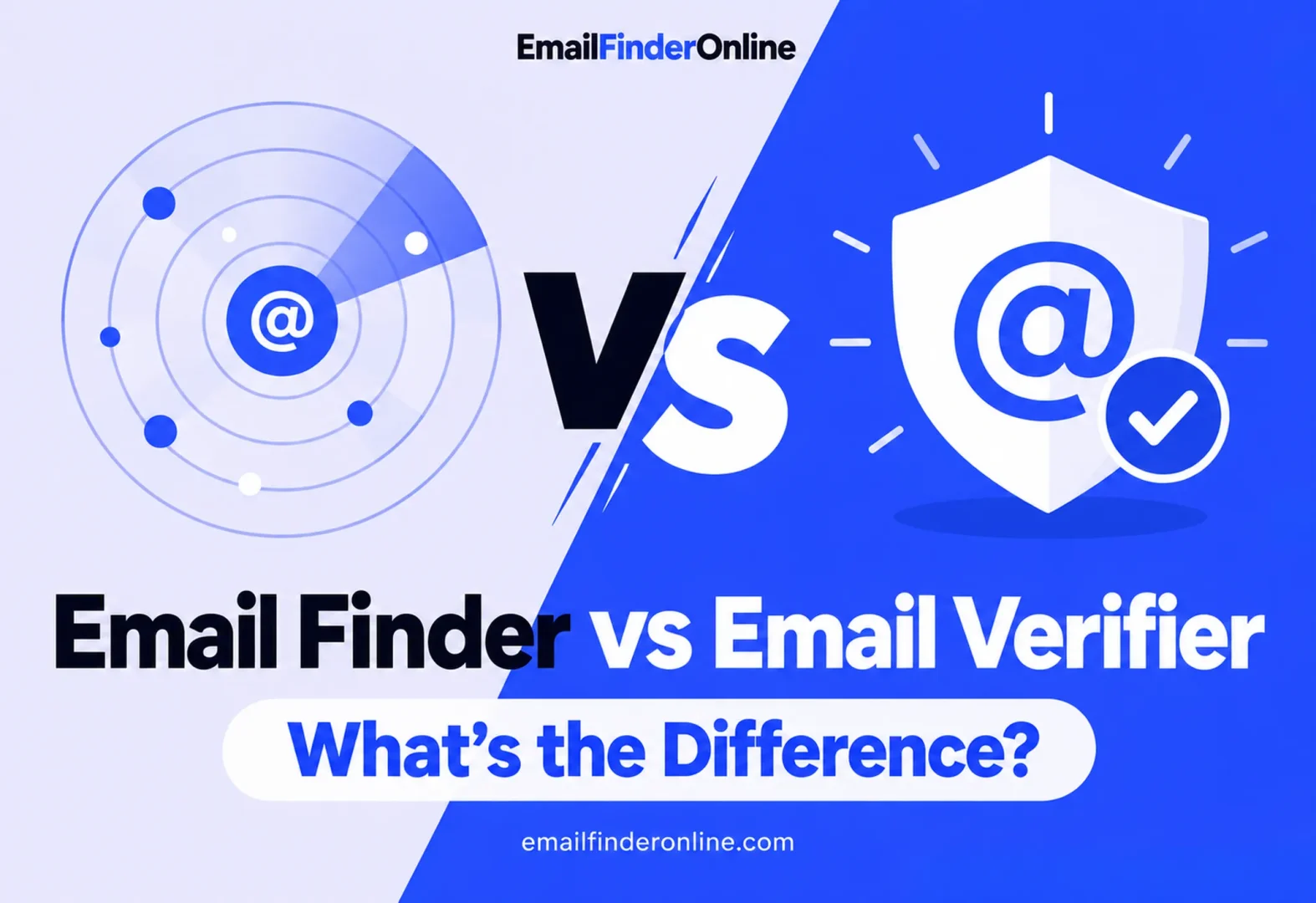
Finders and verifiers sound alike, and many tools sell both, but they answer different questions. A finder answers “what is this person’s address?” A verifier answers “is this address safe to send to?” If you’re weighing email finder vs verifier for your own work, the right choice depends on what you start with: names and companies, or a list of addresses you already have.
This page defines both, compares them side by side, and shows how they fit together.
Email finder vs verifier at a glance
| Email finder | Email verifier | |
|---|---|---|
| Question it answers | What is this person’s work address? | Will mail to this address be accepted? |
| What you give it | A name plus a company or domain | An email address |
| What you get back | A likely address, often with a confidence level | A status, such as valid, invalid, catch-all or unknown |
| Typical use | Building a new prospect list | Cleaning a list you already hold |
| When it runs | Before you have an address | After you have one, before you send |
| Typical pricing | Credits per address found | Credits per address checked, usually cheaper |
What is an email finder?
An email finder takes what you know about a person, usually a full name and the company’s website domain, and returns the address most likely to reach them. Depending on the tool, it may draw on the company’s known address format, addresses already seen on public pages, its own contact data, or a mix of these.
What matters to you as a user:
- It creates something you didn’t have. The output is a new address.
- It’s a best estimate. Good finders show how confident they are, and many run a check on the address before returning it.
- You usually pay per result. On Hunter’s pricing page, each email found costs 1 credit.
If you’re working through a list of target companies or trying to reach one specific person, the guides on how to find emails by company and how to find someone’s email address cover the methods in detail. For a comparison of tools, see the best email finder tools.
What is an email verifier?
An email verifier starts from an address and reports whether mail sent to it is likely to be delivered. It doesn’t discover anything new. Instead it sorts addresses into groups you can act on: keep, remove, or treat with care.
What matters to you as a user:
- It protects your sending reputation. Gmail’s guidance on delivery problems warns that a large number of messages bouncing because addresses are invalid can stop you from sending.
- It’s usually cheaper per address than finding. Hunter charges 0.5 credit per verification, half the cost of a find.
- Some results stay uncertain. Catch-all domains accept every address, so a verifier can’t always give a firm yes or no.
For the step-by-step process, from format checks to reading each result type, read the verify an email address guide.
How the two differ in practice
Input and output
A finder turns a person into an address. A verifier turns an address into a decision. You can’t feed a verifier a name, and a finder won’t tell you whether an old address in your CRM still works.
Cost
Pricing pages make the gap clear. ZeroBounce’s pricing page charges 1 credit per verified email but 20 credits for each successful email finder query, and “unknown” verification results are free. Enrow’s pricing page charges 1 credit per email found and 0.25 credits per verification, with catch-all verification included. The exact ratio varies, but finding generally costs more than checking.
When you use each
- Finder: at the start, when you’re turning a target list into contacts.
- Verifier: right before a send, and again whenever a list has been sitting unused for a while, because people change jobs and mailboxes close.
What goes wrong if you skip one
- No finder: you simply have no address to send to, or you guess one and hope.
- No verifier: you send to dead or risky addresses. Bounces pile up and mailbox providers start to trust your domain less. Google‘s email sender guidelines also ask senders to keep reported spam rates below 0.3%, so list quality matters on more than one front.
How finders and verifiers work together
For new prospects, the two tools form one pipeline:
- Find the address from a name and company.
- Check the result, either with the finder’s built-in check or a separate verifier.
- Send only to addresses marked valid, and decide case by case on catch-all results.
- Re-check older contacts before each new campaign.
Many finders include a check on the addresses they return, which covers step 2 for new contacts. A separate verifier still earns its place for lists that came from somewhere else: event signups, old CRM records, or addresses a colleague collected months ago.
Which one do you need?
- You have names and companies, but no addresses: start with a finder.
- You have addresses, but don’t know if they still work: you need a verifier.
- You’re building and emailing a new list from scratch: use both, in that order, or a finder that verifies its own results.
Once your list is found and checked, the guide to cold email outreach covers what comes next: writing, follow-ups and sending rules.
FAQ
Can an email verifier find email addresses?
No. A verifier needs an address to start with. It can only tell you how likely that address is to accept mail.
Do email finders verify the addresses they return?
Many do, and some only charge when they return an address that passed their check. It’s still worth re-checking addresses before you send if they’ve been sitting in a list for a while.
Is it cheaper to find or to verify?
Verifying is usually cheaper per address. For example, Hunter charges 1 credit per find and 0.5 credit per verification, and ZeroBounce charges 20 credits per successful find and 1 credit per verification.
Do I need both tools if I only send a few emails?
Not always. For a handful of contacts, a finder with a built-in check may be enough. Once you’re mailing larger lists or reusing old ones, a separate verification pass helps keep bounces down.
Wrapping up
The email finder vs verifier question comes down to where you’re starting. A finder gets you an address you didn’t have. A verifier tells you whether an address you have is safe to use. Most people who send outreach end up needing both, used in sequence, so pick tools that make that handoff easy and keep your lists checked over time. For plan details, see pricing.