Mentimeter in 2026: Question Types, Live Session Flow and What Each Plan Allows
 By Nora Ellison
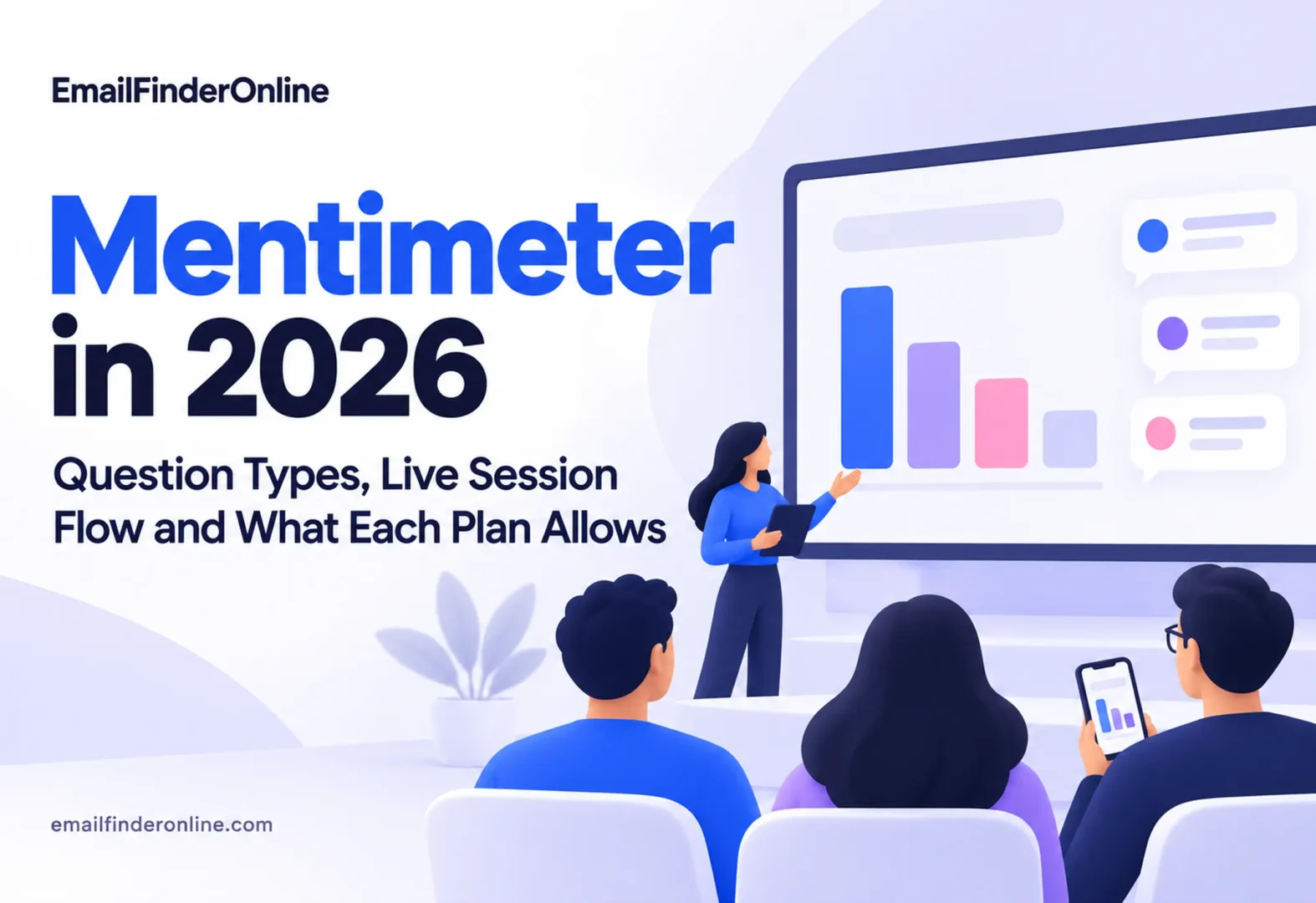
Mentimeter is a Swedish web app that lets a presenter add polls, quizzes, word clouds and audience questions to a talk, a lesson or a meeting. This review covers www.mentimeter.com (mentimeter.com redirects there) and the audience site menti.com, as we read them on October 29, 2026. We worked from the public product pages, the plans page, help center articles, the terms, the privacy policy and domain records. We did not sign up or host a session, so this review reports what Mentimeter publishes rather than test results.
Mentimeter Basics
What the product is for
The features page calls Mentimeter an interactive presentation platform. A presenter builds slides with live polls, quizzes, word clouds, Q&A and surveys, and people answer from their own phones or laptops. The homepage now presents one account with three tools: Menti Live for sessions in real time, a survey tool for input between meetings, and recurring check-ins for tracking trends. The press page lists a release titled “Meet the New Menti: Live, Form and Pulse.”
The company behind it
The privacy policy names the data controller as Mentimeter AB (publ), a Swedish limited liability company with registration number 556892-5506 and an address at Tulegatan 11 in Stockholm. The team page lists Johnny as CEO. The press page names Johnny Warström as a co-founder, carries an older release about Anna Gullstrand serving as acting CEO during his parental leave, and lists a $42M Series C round.
Audience size claims
On its homepage, the company claims 500+ million users worldwide. The Series C release on the press page cites 280 million people using the platform at that time. The homepage also shows customer survey results in two versions, for example 96% and 90% for participants who felt included, and 97% and 64% for improved learning outcomes in corporate training. We could not check any of these figures, and we report them only as company statements.
Slide and Question Types
The help article on Quiz and Question slides splits interactive slides into two families.
Question slides without scoring
These collect input but do not score it. The article lists Word Cloud, Open Ended, Multiple Choice, Scales, Ranking, Q&A, Guess the Number, 100 points, 2 x 2 Grid, Quick Form and Pin on Image. The Menti Live page puts the count at thirteen question types and confirms that Pin on Image, Guess the Number, 2×2 Grid, 100 Points, Ranking, Word Cloud, Q&A and Quiz are all part of Menti Live.
Quiz Competition slides with points
Quiz slides add a countdown timer, scores and a Leaderboard slide that reveals a winner. There are two formats: Select Answer, where people pick one option, and Type Answer, where they write their own reply. The article notes that quiz slides cannot be switched to Survey mode, because they are designed for use in a live presentation.
Content slides and AI help
Alongside interactive slides, a Menti can also hold content slides that carry information without asking for input. The features page describes an AI Menti Creator that builds a first version of a deck from a written prompt and AI grouping that clusters open answers. According to the AI at Mentimeter page, OpenAI is the current model provider, the data is processed in the United States when an AI feature runs, and neither Mentimeter nor its model provider trains on customer content.
Running a Session: Presenter Side and Audience Side
The help article on creating a Menti Live and the joining guide describe this sequence:
1. Start a Menti. From the dashboard, choose New Menti, then Live. Begin from scratch, from a template or with AI. Importing an existing deck needs a paid plan.
2. Add slides. Use New slide to pick a question type, a quiz format or a content slide.
3. Prepare the room. The in-person checklist suggests a browser self-check, a test run as both presenter and participant, clearing test results, and asking large audiences to use mobile data rather than venue Wi-Fi.
4. Present. Click Start presentation for full screen and move through slides with the arrow keys. On quiz slides, Enter starts the countdown.
5. Let people join. Participants go to menti.com and type the temporary code shown on screen, scan the QR code, or open a participation link. The Menti Live page says no app and no account are needed.
6. Show and save results. Answers appear on the slide as they arrive. Responses are anonymous by default, with an identified mode available, and paid plans can export to PDF or Excel.
Important note: the participation link article says join codes expire after a set time unless extended, while links and QR codes stay the same. For a recurring class or a survey sent in advance, share the link rather than the code.
The requirements page says both presenters and voters only need a web browser and an internet connection. On company networks, port 443 and WebSockets over HTTPS must be allowed.
Mentimeter Pricing and Plan Limits
The plans page shows prices in US dollars. These are the figures we read on October 29, 2026:
| Tier | Listed price | Participants per month | Selected limits from the comparison table |
|---|---|---|---|
| Free | $0 | 50 | 23 slide types, Q&A, quick layouts, no exports |
| Basic | $11.99 a month for each presenter, paid annually, before tax | Unlimited | Import from Google Slides, Keynote or PowerPoint, private presentations, image, PDF and Excel export |
| Pro | $24.99 a month for each presenter, paid annually, before tax | Unlimited | Custom themes and logo, co-editing, moderated Q&A, Mentimote phone remote, participant names |
| Enterprise | Custom | Unlimited | SSO and SCIM, verified participants, LMS integration, custom data retention, priority support |
The Free plan card also says “Unlimited participants once per month,” which appears to be an allowance for one larger session each month in addition to the 50-participant cap. The plans FAQ says the monthly count resets on the day of the month you signed up, and that people are never blocked from a session already running. Once over the limit, a presenter has 8 hours of grace and then cannot start new live sessions until the reset.
Billing details deserve a close read. The page has a Pay monthly toggle, and one version of its FAQ says the Basic plan can be paid monthly while Pro and Enterprise cannot. A copy of the same page we downloaded about fifteen minutes earlier said Basic and Pro are sold only as yearly subscriptions. Under the terms, a subscription runs for twelve months unless agreed otherwise. The Conference plans page offers access for 30 days for a single event, and the education plans page lists discounted plans for teachers and students. Cards and PayPal are accepted, with bank transfer for Pro and Enterprise in selected countries.
On refunds, the plans FAQ and terms say a Basic or Pro purchase can be fully refunded if cancelled within fourteen (14) days, provided it has not yet run a live event. No such refund is offered once a renewal period begins.
Data Handling and Legal Terms
From the privacy policy, which says it was last updated on 2026-09-14:
- Stored customer data sits in the EU unless another region is chosen, since the company offers multi-region hosting.
- Limited transfers outside the EU/EEA rely on the European Commission’s Standard Contractual Clauses or adequacy decisions.
- The company says it has never sold and will never sell personal data.
- Some logs are archived and deleted within 90 days.
- Free and single-account users can delete their account from the app, and others can ask by email.
- The service is not aimed at children under 13.
From the terms, Version 6, dated 2026-10-05:
- Users under 16 confirm that a parent or guardian represents them.
- Free Users keep ownership of their content, but give the company an irrevocable right to reuse their Mentis and participant answers in anonymized form to develop the service.
- Subscriptions can renew automatically, and a new price never reaches back into a term you have already paid.
- Swedish law governs the terms.
The plans FAQ adds that card details are handled by Braintree and Stripe, and that sharing one login between people breaks the terms.
Strengths Worth Noting
- No sign-up for the audience. Joining takes a code, a QR scan or a link, with no app.
- A usable free tier. Fifty participants a month and 23 slide types are enough for small classes and team check-ins.
- Clear plan table. The comparison table spells out which tier unlocks exports, imports, branding and moderation.
- EU storage as the standard. Organizations with GDPR questions get a stated default and a named controller.
- Detailed help center. The setup guides cover network checks, backup plans and testing from both sides.
Weak Spots and Open Questions
- Mixed billing messages. Two versions of the FAQ disagree on monthly payment, so check the checkout screen before you pay.
- Free plan content rights. The license over anonymized Free plan Mentis may concern teams that handle sensitive feedback.
- AI runs in the United States. Using AI features sends the relevant data to OpenAI’s infrastructure there.
- Growth figures that differ. User counts and survey percentages vary across pages.
- Quiz limits. Quiz slides only work live, so a self-paced graded quiz needs a different tool.
How Mentimeter Stacks Up Against Similar Tools
We describe these tools only from their own homepage descriptions and did not compare their prices.
Slido, for event Q&A
Slido describes itself as a Q&A and polling platform for meetings, events and conferences.
Kahoot!, for game-style learning
Kahoot! presents itself as a game-based learning platform and says it reaches 1+ billion players every year at school, at work and at home.
Poll Everywhere, for polls inside existing decks
Poll Everywhere says it adds interactive polls to an existing presentation in under 2 minutes, with no downloads for participants.
Microsoft Forms, for teams already on Microsoft 365
Microsoft Forms is Microsoft’s tool for surveys, polls and quizzes. Its page mentions branching questions, Excel export and use from any web browser, which suits groups that need forms more than live slides.
Likely Mentimeter Users
- Teachers and lecturers who want quick checks for understanding and can use the education plans.
- Trainers and facilitators running workshops where anonymous input helps people speak up.
- Team leads holding all-hands meetings or retrospectives with Q&A and ranking slides.
- Event hosts who need a 30-day Conference plan rather than a yearly contract.
- Marketers running webinars, who can pair live polls with a lead nurturing email series after the session.
People who need long branching surveys with heavy logic or graded self-paced tests may be better served by a dedicated form or quiz tool.
FAQs
Can you use Mentimeter for free?
Yes. There is a $0 tier that covers 50 participants per month, plus the once-a-month allowance shown on the plan card.
What does the Pro plan cost?
The plans page lists $24.99 a month for each presenter, paid annually, with tax charged separately.
Do participants need to download anything?
No. They join through menti.com, a QR code or a link in a browser.
How many question types are there?
The Menti Live page says thirteen, and the help center lists eleven Question slide types plus two Quiz formats.
Is there a refund window?
Yes. The terms allow a full refund on Basic or Pro within fourteen days of purchase if the plan has not been used at a live event.
Which domains belong to Mentimeter?
The ICANN record for mentimeter.com shows registration on June 10, 2011. The audience site menti.com dates from January 19, 2005 and uses the same Cloudflare name servers. A record for mentimeter.net exists from February 13, 2017. The misspelling mentimetre.com was registered on February 11, 2017 through GoDaddy with different name servers with nothing tying it to Mentimeter, so check the spelling before you log in.
Our Take on Mentimeter
Mentimeter publishes a clear set of question types, a simple join process for audiences and a detailed plan table, and its legal pages name a Swedish controller and EU storage as the standard. The points to check before buying are the billing terms, which read differently across versions of the FAQ, the content license on the Free plan and the use of a US-based AI provider. For many presenters, the free tier is enough to decide whether it suits them before paying.
If you also handle outreach after events, our guides on video in email marketing and email marketing objectives may be useful. Email Finder Online’s own plans are on its pricing page.