Transactional Emails Explained: What Counts and How to Send Them
 By Nora Ellison
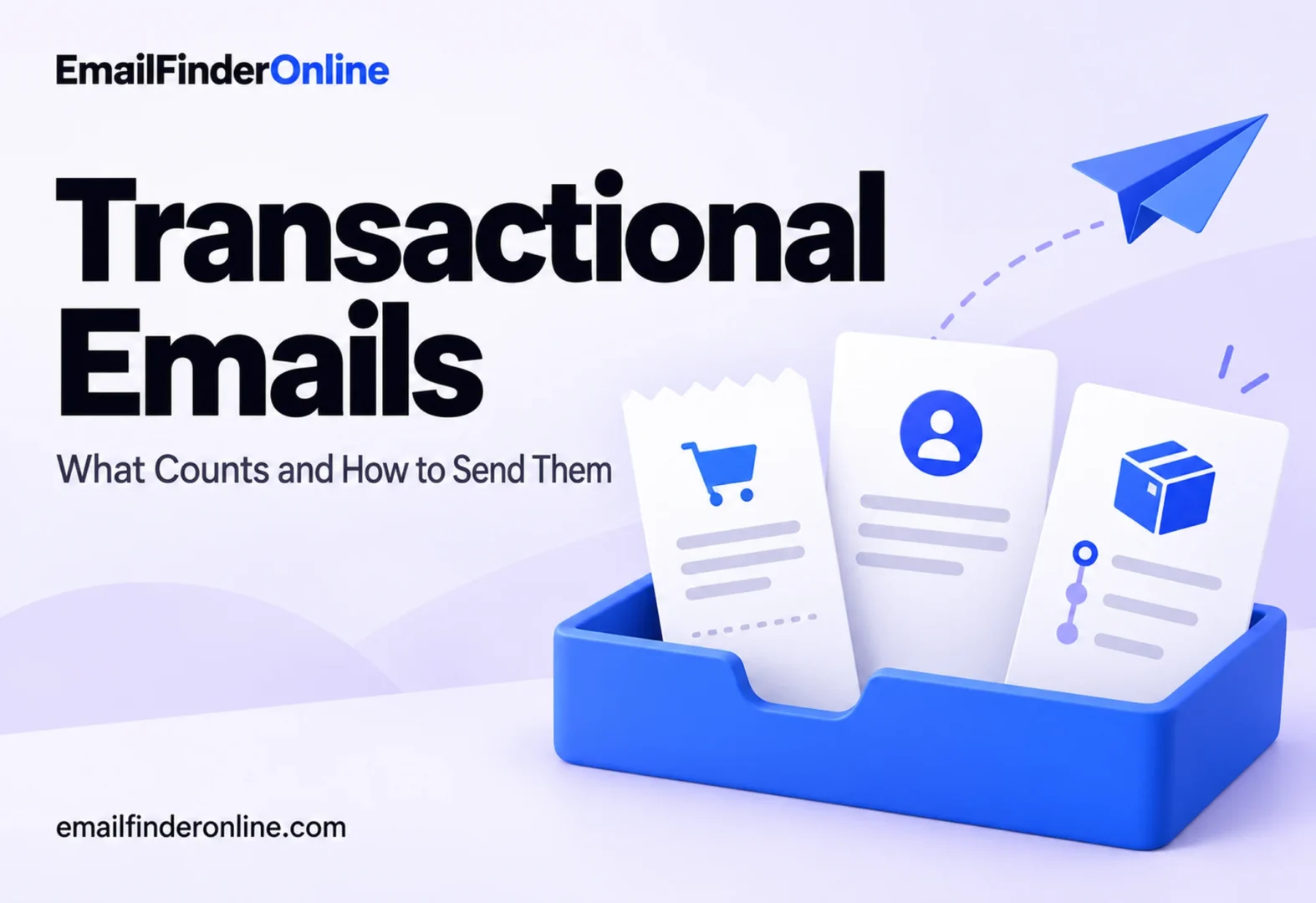
Transactional emails are messages a business sends because of something the recipient already did or already has with it: a purchase, a password request, a shipment, an account change. They exist to complete or report on that relationship, not to sell. That difference sounds simple, but it decides which legal rules apply, how mailbox providers treat the message and how you should build the system that sends it. This explainer covers the common types, where the legal line sits, how the technical setup differs from marketing mail and the practices that keep these messages arriving.
What makes an email transactional
The useful question is not “was this sent automatically?” Plenty of marketing mail is automated. The question is “would this message exist if we had nothing to sell today?” A receipt for an order placed an hour ago would. A shipping update would. A note that someone just signed in from a new device would. A message suggesting accessories to go with that order would not, because its job is to generate a new sale.
Three traits show up in almost every true transactional message:
- It is expected. The recipient took an action, or holds an account, that makes the message predictable.
- It is specific to one person. The content refers to their order, their account or their request.
- It is time sensitive. A password link that arrives an hour late has failed, even if it eventually lands in the inbox.
Common types of transactional emails
| Type | Triggered by | What it must contain | Timing expectation |
|---|---|---|---|
| Order confirmation and receipt | Completed purchase | Items, amounts, payment method, order number, support contact | Within moments of checkout |
| Shipping and delivery notice | Carrier status change | Carrier, tracking link, expected date, delivery address | When status changes |
| Password reset email | User request | Single-use link or code, expiry, note to ignore if not requested | Immediately |
| Account security alert | New sign-in, changed email, changed password | What changed, when, from where, how to undo it | Immediately |
| Account and billing notice | Renewal, failed payment, plan change, statement | Amount, date, what happens next, how to update details | On schedule or at the event |
| Signup and verification | New account or form submission | Confirmation link or summary of what was submitted | Immediately |
| Booking and reservation | Reservation made or changed | Date, time, location, reference number, change policy | Immediately, plus reminders |
Two of those deserve extra care. A password reset email and a security alert are the messages most often copied by phishing attempts, so they should never ask the recipient to reply with a password or code, and the link should go to your own domain. An order confirmation is often kept as a record, so it should still make sense months later without the context of the checkout page.
The legal line: transactional versus commercial
In the United States, CAN-SPAM rules separate commercial messages from “transactional or relationship” messages, and the FTC’s rule at 16 CFR 316.3 spells out how to tell which one a message is. This section summarizes the text; it is not legal advice, and other countries have their own rules.
The rule lists five kinds of content that count as transactional or relationship content. Put in plain terms, they are:
- Messages that carry out or confirm a deal the recipient already agreed to, such as a receipt.
- Warranty, recall, safety or security information about something the recipient bought or uses.
- For an ongoing relationship like a subscription, membership, account or loan: notice that terms or features are changing, notice that the recipient’s standing has changed, or regular statements such as balances.
- Information tied to a current job or a benefit plan the recipient is enrolled in.
- Delivery of goods or services the recipient is owed under an earlier deal, including product updates or upgrades.
A message counts as transactional only if it consists exclusively of that kind of content. Once promotion is added, the regulation applies a primary purpose test. For a message that mixes promotion with transactional content, it is treated as commercial if a reasonable reader of the subject line would expect an ad, or if the transactional part does not appear, fully or largely, at the start of the body.
Two versions of the same shipping notice
Picture two emails about the same parcel. Version A has the subject line “Your order is on its way,” opens with the carrier, tracking link and delivery date, and ends with one line suggesting a related product. Version B has the subject line “20% off your next order, plus tracking inside,” opens with a sale banner and puts the tracking link halfway down.
Both mention the shipment. Under the primary purpose test, Version A reads as a shipping notice with a small extra, while Version B fails on both counts the rule names: the subject line signals an ad, and the transactional content is not at the beginning. Version B should be handled as a commercial message, whatever system sent it.
That second condition has a practical consequence. If you want to add a short product suggestion to a shipping notice, the shipping details must come first and the subject line must be about the shipment. Lead with a banner ad and a subject line about a sale, and the same email is likely commercial, and the CAN-SPAM requirements for commercial messages then apply to it.
How mailbox providers draw the line
Mailbox providers apply their own logic on top of the law. Google’s FAQ for its email sender guidelines says one-click unsubscribe is required only for marketing and promotional messages and that transactional messages are excluded (Google). The examples it gives are password resets, reservation confirmations and confirmations that a form was submitted.
The same FAQ adds a line worth remembering: the distinction can vary by industry and regulation, and it is the people who receive the messages, not Google, who decide what kind of message they got. In practice, that means labeling a promotion as transactional does not protect it. If recipients see an ad, they will treat it as one, including marking it as spam, and those reports count against the sender.
Google’s FAQ also explains that it counts messages from the same primary domain together when deciding whether someone is a bulk sender, meaning close to 5,000 or more messages a day to personal Gmail accounts. Moving receipts to a subdomain keeps their reputation data separate in many systems, but it does not take your organization out of that count.
Technical differences from marketing mail
Because transactional emails carry account access and money, they are usually sent through a different path than newsletters and campaigns.
| Aspect | Transactional emails | Marketing emails |
|---|---|---|
| Trigger | One person’s action or account event | A campaign schedule or a segment |
| Sent through | An application or API, often a dedicated stream | A campaign tool or marketing platform |
| Volume pattern | Steady, follows user activity | Spiky, follows send dates |
| Content | Personal data, links into the account | Shared content for many recipients |
| Unsubscribe | Usually not offered for the core message | Required, and one-click for bulk senders to Gmail |
| What failure costs | Locked-out users, support tickets, lost orders | A missed campaign |
The common setup is to separate the sending infrastructure. Many teams send transactional mail from a subdomain such as a dedicated “notify” or “mail” subdomain, through a separate IP pool or message stream at their email service. That way a campaign that draws complaints does not slow down password resets. Each sending domain still needs its own SPF, DKIM and DMARC setup.
How to send transactional emails that arrive
Lead with the purpose. The first line should say what happened: “Your order has shipped.” Put anything else below it.
Keep marketing light, and put it last. A small, relevant suggestion at the bottom of a receipt is common. A message that is mostly promotion is a marketing email, legally and in recipients’ eyes.
Write subject lines that describe the event. “Password reset requested” and “Receipt for your March invoice” are easy to find later and hard to confuse with a campaign.
Send from a recognizable address that accepts replies. A no-reply address pushes questions into support tickets and teaches users to ignore the sender. A monitored address also catches problems you would not otherwise see.
Keep the address on file accurate. Transactional mail depends entirely on the address on file. Typos at signup, old work addresses and abandoned inboxes all lead to bounces, and repeated bounces hurt the domain that sends your receipts. Confirm addresses at signup and act on bounces quickly; our notes on reducing bounces cover the routine. If you are deciding whether to check addresses before they enter your system, this comparison of finding versus verifying addresses explains what each step catches.
Monitor delivery, not just sends. Track time from trigger to delivery, bounce rate by message type and how many password resets are requested twice in a row. A repeat request is often a sign that the first email never arrived.
Make security messages verifiable. Tell users what you will never ask for, link only to your own domain and include enough detail (time, device, location) for them to recognize their own activity.
Plan for the B2B case. In business accounts, invoices and renewal notices often go to a person who has since left. Give customers a way to add a billing contact, and if a notice bounces, find the current contact details for the company before the account lapses.
Quick check: is this message transactional?
- ☐ Would it exist if there were no product to promote today?
- ☐ Does it refer to a specific order, account, request or relationship?
- ☐ Does the subject line describe that event, not an offer?
- ☐ Does the transactional content come first in the body?
- ☐ Is any promotional content small and placed after the core information?
- ☐ Would the recipient expect to receive it because of something they did?
If any answer is no, treat the message as marketing: follow the rules for commercial email, offer an unsubscribe option and send it through your marketing stream.
FAQ
Do transactional emails need an unsubscribe link?
Under the U.S. rule, a message that consists only of transactional or relationship content does not carry the same opt-out obligations as a commercial one, and Google excludes transactional messages from its one-click unsubscribe requirement. Many senders still let users choose which optional notifications they get, which reduces spam reports.
Can I include promotions in a transactional message?
You can, but it changes how the message is judged. Keep the transactional content at the start, keep the subject line about the event and keep promotion small. If the promotion becomes the main point, treat the email as commercial.
Is a welcome email transactional?
It depends on the content. A message that confirms an account and explains how to sign in is close to transactional. A welcome message built around offers and product tours is usually marketing. Many teams send a short confirmation first and a separate welcome series later.
Why do transactional emails go to spam?
Common causes are missing or broken authentication, a sending domain shared with campaigns that draw complaints, content that looks promotional and sending to stale addresses that bounce. Separating streams and keeping addresses current address most of these.
Who decides whether a message is transactional?
Legally, the content and the primary purpose test decide. In the inbox, recipients decide by how they react, which is why Google says it is recipients, not Google, who judge the nature of the messages they receive.
Reviewing the tools behind your contact data? You can check pricing when comparing options.