The Benefits of Email at Work and at Home, and Where It Falls Short
 By Nora Ellison
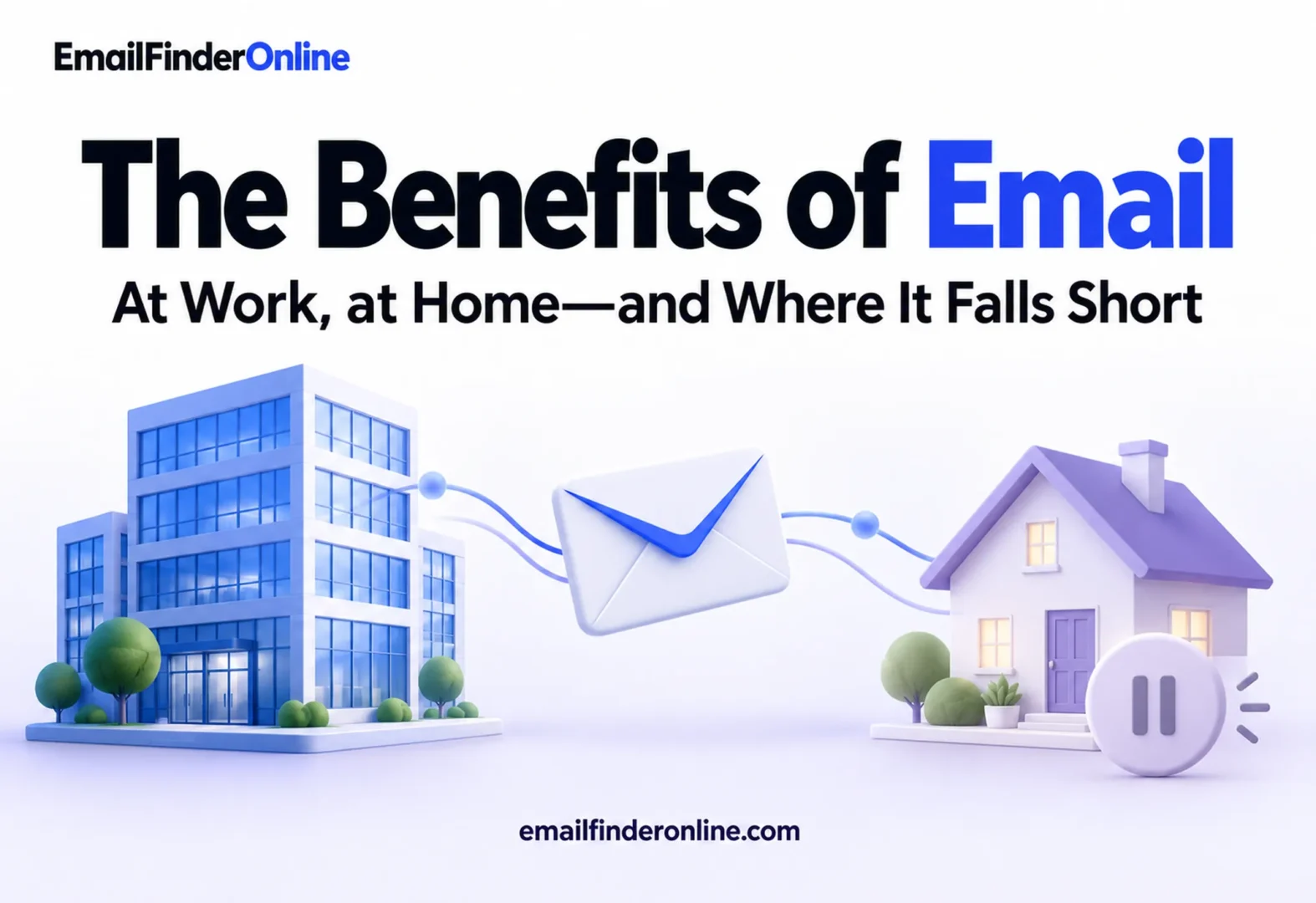
The main benefits of email are reach, low cost, ownership, flexibility and measurability. Almost everyone online has an address, a message costs very little to send, a business keeps its own list instead of renting attention from a platform, each message can be tailored to its reader, and the results can be counted. For individuals, email is also a free, portable identity and a written record that works across every provider. This article explains each benefit for businesses and for individuals, backs the usage figures with official statistics and closes with the limits worth planning around.
How widely email is used
Any claim about reach should start with data, so here are two official sources rather than vendor estimates.
Eurostat’s 2025 survey of households and individuals found that 82% of people aged 16 to 74 in the EU had sent or received e-mails, the same share as those who used instant messaging (Eurostat). For comparison, 76% made telephone or video calls over the internet and 67% took part in social networks. Usage was higher still in the Netherlands (98%), Denmark (97%) and Ireland and Finland (both 95%).
On a global scale, the International Telecommunication Union’s Facts and Figures 2025 estimates that almost three-quarters of the world’s population is now online, while 2.2 billion people remain offline, most of them in low and middle income countries (ITU).
Read together, the figures say two things. Where people are online, email communication is close to universal, on par with messaging apps and ahead of social networks in the EU data. But “everyone” still excludes a large part of the world, a point that matters for any organization that needs to reach people without reliable access.
Benefits of email for businesses
| Benefit | What it means in practice | Who gains most |
|---|---|---|
| Reach | Most online customers and business contacts have an address | Any business selling to connected audiences |
| Ownership | The list belongs to you, not to a platform | Businesses exposed to algorithm or policy changes |
| Low cost | Sending more messages adds little cost | Small teams and high-volume senders |
| Personalization | Each message can reflect the reader’s history | Businesses with customer data |
| Measurability | Clicks, replies, conversions and bounces can be counted | Teams that need to justify spending |
| Formality and record | Messages can be kept, searched and forwarded | B2B sales, legal, finance, support |
| Interoperability | Any provider can deliver to any other | Anyone writing to people outside their organization |
An owned audience
This is the benefit that separates email from social media most sharply. Followers on a social platform are reached on the platform’s terms: what each follower sees is decided by a feed the business does not control, and an account can be restricted under rules it did not write. A mailing list is an owned audience. If you change email providers, you take the list with you, and each subscriber receives what you send in the order you send it.
Ownership comes with responsibility. You need permission to email people for marketing, a working way for them to opt out and a habit of removing addresses that no longer work.
Low cost per message
Most of the cost of an email program sits in writing and in the list, not in delivery. Sending to a thousand people takes about the same effort as sending to a hundred once the message is written. That makes email practical for small businesses that cannot buy reach through advertising, and for any message that has to go to everyone, such as a policy change or a service notice.
Personalization
Because each message is delivered to one address, it can differ for each reader: a name, a product they bought, the city they are in, the plan they are on. Personalization ranges from simple merge fields to whole messages chosen by behavior, and it is easier to do in email than in channels where everyone sees the same post.
Measurable results
Email produces numbers a business can act on: delivery and bounce counts, clicks, replies, unsubscribes and, when linked to a store or a CRM, purchases and meetings. Those measurable results make it possible to compare two subject lines, retire a weak message or show that a program pays for itself. Opens are less dependable as a measure, so most teams rely on clicks and conversions.
A formal channel for business contacts
In B2B work, email remains the default channel for proposals, contracts, invoices and introductions. A message can include attachments, be forwarded to a colleague who needs to sign off and be found months later. Reaching a new business contact usually starts with an address; finding the right contact details for an organization is often the first step in any partnership or sale.
Benefits of email for individuals
Email is not only a business tool. For individuals, several benefits matter just as much.
- A free identity that works everywhere. Most online services, from banks to government portals, ask for an email address to create and recover an account. One address works with all of them.
- Asynchronous communication. The sender writes when it suits them, and the recipient replies when it suits them. Unlike a call or a chat, nobody needs to be available at the same moment, which helps across time zones and busy schedules.
- A written record. Bookings, receipts, warranties, agreements and conversations stay searchable. When a question about a purchase comes up a year later, the confirmation is still there.
- Room for longer messages. Email suits thoughts that need more than a line, with attachments and formatting when needed.
- Choice of provider. Because email follows open standards, a Gmail user can write to an Outlook user, a company server or a small independent provider. People can change provider, and with a personal domain they can even keep their address.
- Works on modest devices and connections. A message is mostly text, so it can be read on an older laptop, a basic phone or a slow connection, and it waits on the server until the reader is ready to download it.
- Control over what arrives. Filters, folders, labels and unsubscribe options let people decide what reaches them and what does not.
How email compares with other channels
Email rarely works alone, and its benefits are clearest next to the alternatives. The comparison below is qualitative; the right mix depends on the audience and the message.
| Channel | Strength | Weak spot | Good fit for |
|---|---|---|---|
| Owned list, long messages, records, works across providers | Crowded inboxes, filtering | Updates, receipts, proposals, newsletters | |
| Social media | Discovery by new audiences, public conversation | Reach set by the platform’s feed | Awareness, community, customer questions in public |
| Messaging apps | Speed, informal tone | Hard to reach people you do not know; less suited to records | Quick coordination, support chats |
| Text messages | Seen quickly on the phone | Short format, strict consent rules | Time-sensitive alerts and reminders |
| Phone calls | Real-time conversation, nuance | Both sides must be available; no written trail unless you add one | Complex sales, sensitive support |
The pattern is that email covers the middle ground. It is slower than chat and less public than social media, but it combines reach, ownership and a written record in a way the others do not. Many teams use social media to meet new people, email to keep the relationship going and calls or chat for the moments that need a live conversation.
Where email falls short
An honest look at the benefits of email includes the limits. Each one has a practical response.
| Limitation | Why it happens | What helps |
|---|---|---|
| Overflowing inboxes | Many senders compete for attention | Fewer, more relevant messages; clear subject lines |
| Spam and phishing | Open standards let anyone send | Authentication on your domain; teach users to check links |
| Slower than chat | Replies are asynchronous by design | Use chat for quick back-and-forth, email for decisions and records |
| Bounces and outdated lists | People change jobs and abandon addresses | Regular list hygiene and checking addresses before sending |
| Not everyone is online | The ITU estimates 2.2 billion people are offline | Keep phone, mail or in-person options for essential services |
| Filtering and tabs | Mail apps sort messages automatically | Send mail people expect and make the purpose clear |
The list quality problem deserves extra attention for businesses. A list collected over years quietly decays as people move on. Sending to addresses that no longer exist raises bounce rates and harms the reputation of the domain you send from. A habit of checking whether addresses are still valid protects the benefit you were relying on in the first place.
Getting the benefits in practice
For a business that wants to get value from email, a short plan covers most of the ground:
- Collect addresses with permission. Signup forms, checkout and events are the usual sources. For B2B, research named contacts carefully; the process for building a B2B list explains the steps.
- Decide what you will send and how often. A promise made at signup, such as a monthly update, sets expectations you can keep.
- Personalize where the data supports it. Even a segment by customer type or location improves relevance.
- Measure the outcomes that matter. Replies, clicks and conversions, not just sends.
- Look after the list. Remove bounces and long-inactive addresses, and make leaving easy.
If you are weighing data providers for outreach lists, our comparison of alternatives to Apollo looks at options teams consider.
Benefits of email checklist
- ☐ Your audience is mostly online and reachable by email
- ☐ You keep your own list and could move it to another provider
- ☐ Messages are tailored by segment or behavior where data allows
- ☐ You track clicks, replies and conversions, not only opens
- ☐ Addresses are checked and bounces removed regularly
- ☐ Essential notices also have a non-email route for people offline
FAQ
What are the main benefits of email?
Reach, low cost, ownership of your audience, personalization and measurable results. For individuals, email also offers a free account identity, asynchronous communication and a searchable written record.
Is email still relevant compared with messaging apps?
Yes, for many purposes. Eurostat’s 2025 data shows email and instant messaging used by the same share of people in the EU, 82%. Messaging tends to suit quick exchanges, while email suits records, formal communication and messages to people outside your contacts.
What are the benefits of email for small businesses?
A small business can reach its customers directly without paying for every view, keep its list if it changes tools and send personalized messages with modest effort. The main costs are time to write and care for the list.
What are the disadvantages of email?
Crowded inboxes, spam and phishing, slower replies than chat, lists that decay over time and the fact that not everyone has internet access. Each can be reduced with good habits, but none disappears completely.
Why is email good for record keeping?
Messages are timestamped, can include attachments and are easy to search, forward and archive. That makes email useful for agreements, receipts and any conversation you may need to refer to later.
Comparing tools to support your outreach? You can view pricing here.