SaaS Email Marketing From Signup to Win-Back: Sequences and Metrics
 By Nora Ellison
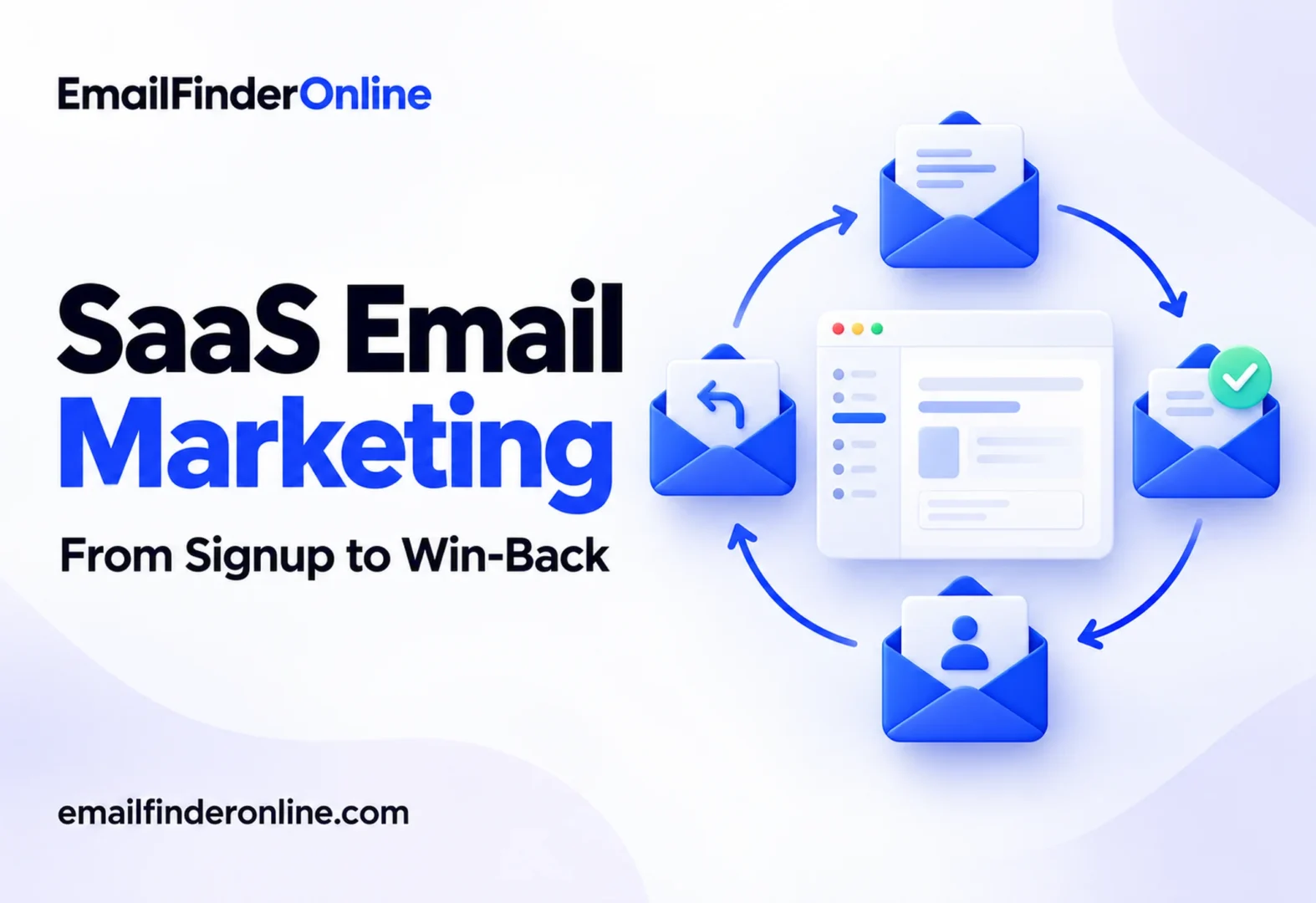
SaaS email marketing is the set of emails a software company sends to move people through the subscription lifecycle: from signup to first value, from trial to paid plan, from one feature to several, and from cancellation back to an active account. Unlike retail email, the goal is rarely a one-off sale. It is to get people using the product, because usage is what keeps a subscription alive. This explainer walks through each stage, gives an example sequence for it and lists the numbers worth tracking.
How SaaS email marketing differs from other email programs
Three things set software email apart:
- Behavior drives the sends. The useful triggers are product events: signed up, connected an integration, invited a teammate, stopped logging in. Calendar-based blasts play a smaller role.
- The product is the conversion point. A good onboarding email doesn’t sell. It gets the reader back into the app to finish a step.
- Revenue is recurring. Keeping a customer for another year often matters as much as winning a new one, so retention and win-back emails get as much attention as acquisition.
A typical program mixes two kinds of messages. Lifecycle emails are triggered by what a user does or doesn’t do. Broadcast emails, such as newsletters and launch announcements, go to a segment at a chosen time. Both need a clear owner and a clear goal.
The SaaS email lifecycle at a glance
| Stage | Goal | Trigger | Example emails | Main metric |
|---|---|---|---|---|
| Onboarding | Reach first value | Signup | Welcome, first step, setup help | Setup completion |
| Activation | Complete the key action | Setup started but not finished | Nudge, short tutorial, offer of help | Activation rate |
| Trial conversion | Move to a paid plan | Trial end approaching | Value recap, plan comparison, last-day reminder | Trial-to-paid conversion |
| Feature adoption | Use more of the product | A feature not yet used | Tip, use case, customer story | Feature usage |
| Retention | Keep active customers engaged | Ongoing, plus usage drops | Product updates, usage summaries, check-ins | Churn rate |
| Win-back | Bring back lapsed or cancelled users | Cancellation or long inactivity | What’s new, feedback request, return offer | Reactivation rate |
Onboarding emails: get users to first value
Onboarding emails exist to shorten the time between signup and the first moment the product proves useful. Define that moment first. For a scheduling tool, it might be the first booked meeting. For an analytics product, the first dashboard with real data.
Example onboarding sequence
- Immediately after signup: welcome. Confirm the account, name the one first step and link straight to it. Skip the company history.
- Day 1: first step reminder, sent only if the step isn’t done. Show a screenshot of where to click.
- Day 3: help with the common blocker. If new users often stall at importing data or connecting an integration, address that directly, with a link to a short guide.
- Day 5: a quick win. Show one result a new user can get in a few minutes.
- Day 7: check-in from a person. A plain-text note from a named team member asking if anything is in the way. Replies here are a useful source of product feedback.
Stop or change the sequence as soon as the user completes the step. Sending “you haven’t set up yet” to someone who just did is a fast way to lose trust.
Activation: move from setup to habit
Activation is the point where a user completes the action that predicts they will stay, such as inviting a teammate or running a first campaign. Each product defines it differently, so use your own data to choose the event.
Activation emails tend to work as small, specific nudges:
- “Your workspace is ready. Invite your team so they can see the reports.”
- “You connected your calendar. Share your booking link to get your first meeting.”
Each email should point to one action, with a button that opens the exact screen.
Trial conversion emails
Trial conversion emails help users decide before the trial runs out. They work when they recap value the user has already seen, not when they push a generic upgrade.
Example trial conversion sequence
- Middle of the trial: progress summary. Show what the user did: projects created, teammates invited, reports run. If usage is low, offer a short call or a guide instead.
- A few days before the end: plan comparison. Explain which plan fits how they use the product, and what they’d lose on a free tier if one exists. Link to pricing.
- Day before the end: reminder. State the end date and what happens to their data.
- After expiry: last chance. A short note that the trial ended, with a direct link to upgrade and, if your policy allows, an option to extend.
Be exact about what happens at the end. If the card will be charged, say when and how much, and where to cancel.
Feature adoption emails
Each feature a customer relies on is one more reason to keep the subscription. Feature adoption emails introduce one capability at a time, matched to what each user already does.
- Target by behavior. Send the reporting tip to users who create campaigns but never open reports.
- Show a use case, not a feature list: “See which campaigns got replies” beats “Introducing advanced reporting”.
- Keep it to one feature per email, with a link that opens it.
- Use customer stories sparingly, when they show a concrete outcome another customer reached.
Product release announcements belong here too. Send them to the segments that will use the new feature rather than to everyone.
Retention emails and churn signals
Retention emails keep active customers aware of the value they get. Common formats:
- Usage summaries: a monthly note showing what the account achieved.
- Product updates: a short digest of improvements.
- Renewal reminders: for annual plans, a clear notice before the renewal date.
- Check-ins triggered by risk signals: a drop in logins, fewer active seats, a failed payment or a support ticket left open.
Failed payment emails deserve special care, since some churn is involuntary. State the problem, link to update the card and send a short series of reminders before access changes.
Churn win-back emails
A win-back email goes to customers who cancelled or users who stopped logging in. The aim is to learn why, and to bring back those for whom something has changed.
Example win-back sequence
- At cancellation: confirmation and a question. Confirm the cancellation, say what happens to their data and ask one short question about why.
- A few weeks later: what’s new. If you shipped something related to their reason, say so.
- Later: a return offer, if it fits your pricing, such as restored data or a short extension.
Respect the answer. If someone unsubscribes, stop. Win-back emails are usually marketing messages, so they need the usual opt-out.
Deliverability and compliance basics for SaaS
- Separate message types. Google’s sender guidelines suggest using different sending addresses for different kinds of mail, for example one for promotions and one for account notifications, and advise against mixing promotions into transactional messages.
- Know which emails count as commercial. The FTC guidance on CAN-SPAM puts account notices, such as an update on what a subscription includes, in its transactional or relationship group, while warning that the law reads that group narrowly. Upgrade pitches, win-back offers and newsletters are commercial, so they must include a mailing address and an unsubscribe option.
- One-click unsubscribe. Google expects it on promotional and subscribed mail from any domain that sends Gmail users upward of 5,000 messages daily.
- Keep your data clean. Signup forms collect typos and throwaway addresses. Run new signups through address verification and follow the email bounce prevention routine.
Metrics for SaaS email marketing
Opens are an unreliable measure. Apple’s Mail Privacy Protection prevents senders from learning whether a message was opened, while Gmail’s sender help page notes that Google has no way to confirm open rates reported by other tools. Track actions instead:
| Metric | How to calculate | Stage |
|---|---|---|
| Setup completion | Users who finished setup / users who signed up | Onboarding |
| Activation rate | Users who completed the key action / users who signed up | Activation |
| Trial-to-paid conversion | Trials that became paid / trials that ended | Trial conversion |
| Feature adoption | Accounts using a feature / accounts with access to it | Feature adoption |
| Churn rate | Customers lost in a period / customers at the start of the period | Retention |
| Reactivation rate | Lapsed users who returned / lapsed users emailed | Win-back |
| Click rate | Unique clicks / delivered emails | All stages |
| Unsubscribe and complaint rate | Unsubscribes or complaints / delivered emails | All stages |
To see what the emails themselves change, keep a holdout group: a small random share of users who don’t get a given sequence. Compare activation or conversion between the two groups. Without a holdout, it’s hard to tell whether users would have converted anyway.
Who owns each sequence
Lifecycle email touches product, marketing, sales and support, so give every sequence an owner. A simple split:
- Product or growth owns onboarding, activation and feature adoption, since the triggers come from product events.
- Marketing owns broadcasts, newsletters and launch announcements.
- Sales or account management owns trial check-ins for larger accounts and renewal conversations.
- Finance or billing owns failed payment and renewal notices.
Write the owner, the trigger, the goal and the stop condition next to each sequence in a shared document, and review the list each quarter.
Where outbound fits
Lifecycle email covers people who already signed up. Many B2B SaaS companies also run outbound to reach accounts that haven’t. That is a separate program with its own rules: our guides to cold email outreach and B2B email list building cover it. Weighing tools for that side of the work? See pricing.
SaaS lifecycle email checklist
- ☐ First value moment defined for onboarding
- ☐ Activation event chosen from product data
- ☐ Sequences stop when the user completes the step
- ☐ Trial emails state the end date and what happens next
- ☐ Feature emails target users who haven’t used the feature
- ☐ Failed payment series in place
- ☐ Commercial emails include a postal address and opt-out
- ☐ Holdout group set up for each major sequence
FAQ
What emails should a SaaS company send first?
Start with a welcome email and a short onboarding sequence tied to your first value moment. Those reach every new user and affect everything after.
How many onboarding emails are enough?
There’s no fixed number. Send as many as it takes to cover the steps to first value, and stop each one once the user completes its step.
Are onboarding emails transactional?
Some may be, such as account confirmations. Under the FTC’s guidance, content that promotes an upgrade or another product makes a message commercial, so check the primary purpose of each email.
Should trial emails come from a person?
A plain-text check-in from a named person often feels more helpful than a designed template, and it invites replies. Keep billing notices clear and branded so they’re easy to recognize.
How do I reduce churn with email?
Watch for risk signals such as falling logins or failed payments, send targeted check-ins and fix payment problems quickly. Email supports retention, but the product has to deliver the value.
Building your first lifecycle program
Map your lifecycle stages, define the event that marks success at each one, and write one short sequence per stage. Launch onboarding first, add trial conversion and failed payment emails next, then build adoption and win-back. Measure each against a holdout group and keep the sequences that move the numbers.